
Send me some slides on this topic. Maybe with a “please” at the end or “Can you please” at the beginning. Sounds familiar? I bet many of you have heard this phrase from your boss or manager. Or maybe even used it yourself towards your team members. What is wrong with it? A lot if not all.
Let’s roll back a little bit. Vast part in managing the business is communication – may it be with the customers, suppliers, investors, employees or peers. In many cases we just talk – we meet live or online; we call each other, and we talk. We send emails. Oh, yes, we send tons of emails, so even people need tools to manage their mailboxes. But what we also do is: we present. And by presenting, I mean delivering a message to more than just few people in an office or in the kitchen – this may be a small group of your coworkers or a big crowd in a venue hall. But your main point is still the same – you want to reach out to your audience and deliver your message. Deliver your story.
The Audience
Before you even start working on your story you need to understand who your audience is. Obviously in many cases it will not be possible to know everybody in the room, but at least you should try to find common ground. Who will be the people gathered in front of you: buyers, engineers, teenagers, professors? Try looking from different angles, do they share similar values, interests or culture? There is very rarely a complete mix of individuals so you will always find something they have in common.
Example: when I have presented in India, I prepared myself with movies they watch, sports they follow or culture they share. And used it as a starting point for my true business presentations. You really can build a nice story around cricket or Bollywood movies if you make some effort.
If your audience is smaller – like your coworkers or your leadership – you most probably know them so you can anticipate what kind of story will get through to and will be well appreciated.
Example: within my management team we knew each other for years, so the story was always easy to convey and built with a mix of facts, figures and humor.
Takeaway: try to find some interesting facts based on your knowledge of your audience.
The Medium
Technology has exploded over the last few years and online meetings have become our daily bread. There are significant differences if you present it online, especially to a smaller, informal group or to a bigger crowd at a venue. It may seem easier to present from your chair at home or in the office with a blurry background behind you than walking on a stage with hundreds or more people staring at you. Don’t get fooled by this – your goal is still to deliver the message and when presenting online in most of the cases you lose the most important part of the show: yourself. In a typical online meeting, you have your screen and your voice – very rarely people will look at your camera feed (and in many cases you have shorts anyway, which you don’t want to show). Moreover, in an online meeting people can be easily distracted (and they usually are) so you need to make additional effort to catch their attention. Therefore, you may want to have your presentations shorter, as the attention span in front of the screen is not that great. Unless you are a kung-fu master showing your skills live on screen.
While you present live you may have additional stage fright, but then you normally are able to use your full potential as an entertainer – gestures, pose, movement in addition to your voice. And your story, of course.
Example: my online presentations are shorter and more focused, with more attention-catchers than the ones I show live.
Takeaway: your presentation SHOULD be different, depending on the medium you are using.
Get attention – build a story
To get through with your message you must have the attention of the people you are talking to. Everybody who has presented in a long team meeting, when your slot is just at the end of a day filled with 5, 8 or even 10 other presentations, knows how hard it can be. However, if you are good at what you do, people will be eagerly waiting for you to come on stage.
How do I do it then? I assume you know your topic well. If not – educate yourself before even start building the story. You know your topic; you know your audience and you know your medium to present. What I usually do I select a theme that resonates with the audience I will be talking to. May it be Bollywood for India, cars for young men, dogs for animal lovers, sports in most parts of the world – there a lot of ideas you can use once you understand your audience. Even if not – try to come up with a theme you know very well – your hobby, interest or a past adventure. This is usually not that hard, but what becomes difficult is finding out ideas how to connect my adventure to the main theme you want to talk about. The business theme you are tasked with. But with some creativity you will always find associations and connections.
Example: Once I made a complete sales presentation based on cricket. Almost every business topic I spoke about, I could relate to this fantastic game. When we talked about business wins, I referred to “catches win matches” phrase, which is well known in this sport. Another time I have been comparing various sports to what the teams have achieved in real business and how they have done it. Another idea was physics phenomena that are present in various sports and how these could be translated into business ideas.
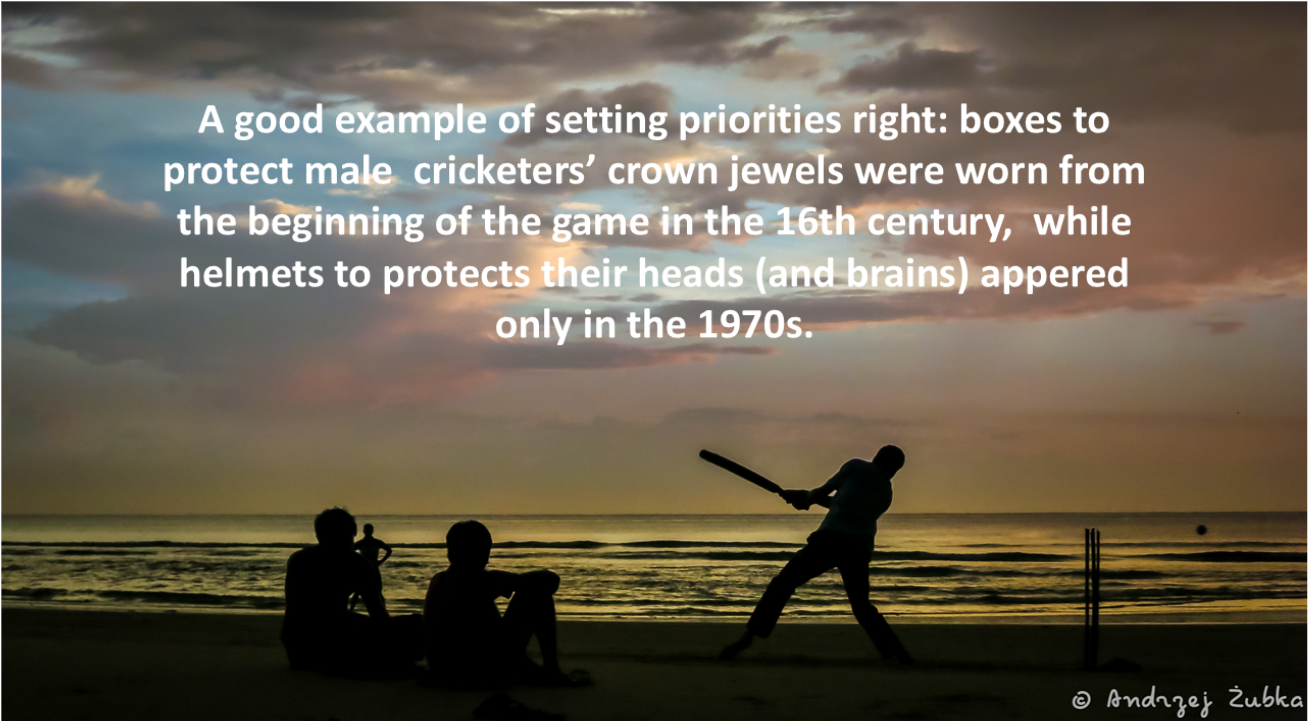
Nothing helps better to keep the crowd attention than a reasonable portion of humor. In a business presentation you don’t want to appear as a stand-up comedian of course, however relaxing or funny stories you should always keep in your back pocket and include them in your story. Or a cartoon that illustrates the topic you are talking about. Out of my experience – the most fruitful and remembered presentations were the ones where people laughed now and then during the course. And the joy they feel, the emotions they have, not only help them to remember your main message but make them wait for you next time if your slot is at the end of the day. Be careful however not to tell too many jokes and that some of them may be offensive – not everyone (especially across different cultures) will share the same sense of humor. Use your previous research of the audience and prepare yourself also in this matter.
At the end of the day, you still have your main goal to achieve: your business message to convey. When you prepare your story, put yourself in the shoes of your audience – what do they expect from you, what do they already know and what can they learn? Mix it with your knowledge of the subject and create a message that will bring benefits to the listeners. Do not throw out simple facts about your company, about your product or service, don’t give them just bare numbers, always think of a benefit that your audience can have from the information that you are right now sharing. People usually are not that interested in the numbers you may be bragging about but would like to know how you can impact their business, their projects or their lives.
Example: Instead of saying: “We have 110 offices around the globe” say “With 110 offices we are always close to you, and this is our advantage you can use”
While building a story for your presentation don’t forget about the feelings and emotions of the people you are going to talk to. A powerful and remembered story which you are about to tell must be understood, felt and accepted. You can achieve it by making it relatable to your audience. Find or even make up examples of how your service, product or company can solve an individual problem. Show this one or two (or more if you can) specific stories and the people in front of you will relate it to themselves and build an emotional link.
There is probably a plethora of books and articles that will help build up your own story-telling skills. What I can propose is to read a lot, watch movies, listen to stories told by others and make notes of your ideas. Some of them tend to come in a most unexpected moment, when your brain is busy with something completely different or even relaxing. There is enough study that shows boredom sparking creativity, which means you need to give your brain some time to work by itself rather than bombard it with stimulus every minute. While on the plane or in the car turn off the movie or the music, just let the time pass and your brain do its job. If you have a chance – observe how kids can play if they do not have access to technology, games or books – it is amazing how after some time when they may be angry for NOT having their phones or tablets, they will bloom in creative plays. Even alone just by themselves.
Example: The idea of one of my successful programs I had with my team came to me after I watched a movie on a plane and started to think about it while relaxing. And bang! Here it comes!
Takeaway: Give yourself enough time to work on the idea of your story, as this will be the backbone of your presentation.
Give your story a structure
You have gathered your ideas, and you know what to talk about – it is time to give your story the final shape and make it resonate. While business life may not be an exciting story by itself, it is your task to make it appear more fun, interesting and maybe also dramatic in a way that will build up some tension in your speech. There are a lot of techniques used to do so, just remember some of the movies or books you know. You may want to compare what people usually know about the piece of world you are working in with something that will happen if they follow your advice. Another way of raising interest is… starting from the end and walking your audience to the beginning of the story unveiling some facts one after the other. This can work both for good and bad news you are going to expose. Don’t forget about a powerful ending, as this will be the most remembered part of your show.
Right tools
There are several good tools that will help you to build your presentation, with Microsoft PowerPoint and Google Slides leading in the market. Regardless of which tool you are using, I would advise to follow these couple of rules:
Less text on slides. Max 4-5 points, preferably that will unveil while you talk. You don’t want your audience to start reading a story while you are talking. You don’t want to compete with your own slides on people’s attention. You are free to use any form of notes that would go along with your slides in hand-out notes. This, in fact, would be very helpful for people who would like to come back to your story after some time or were unlucky to see you live.
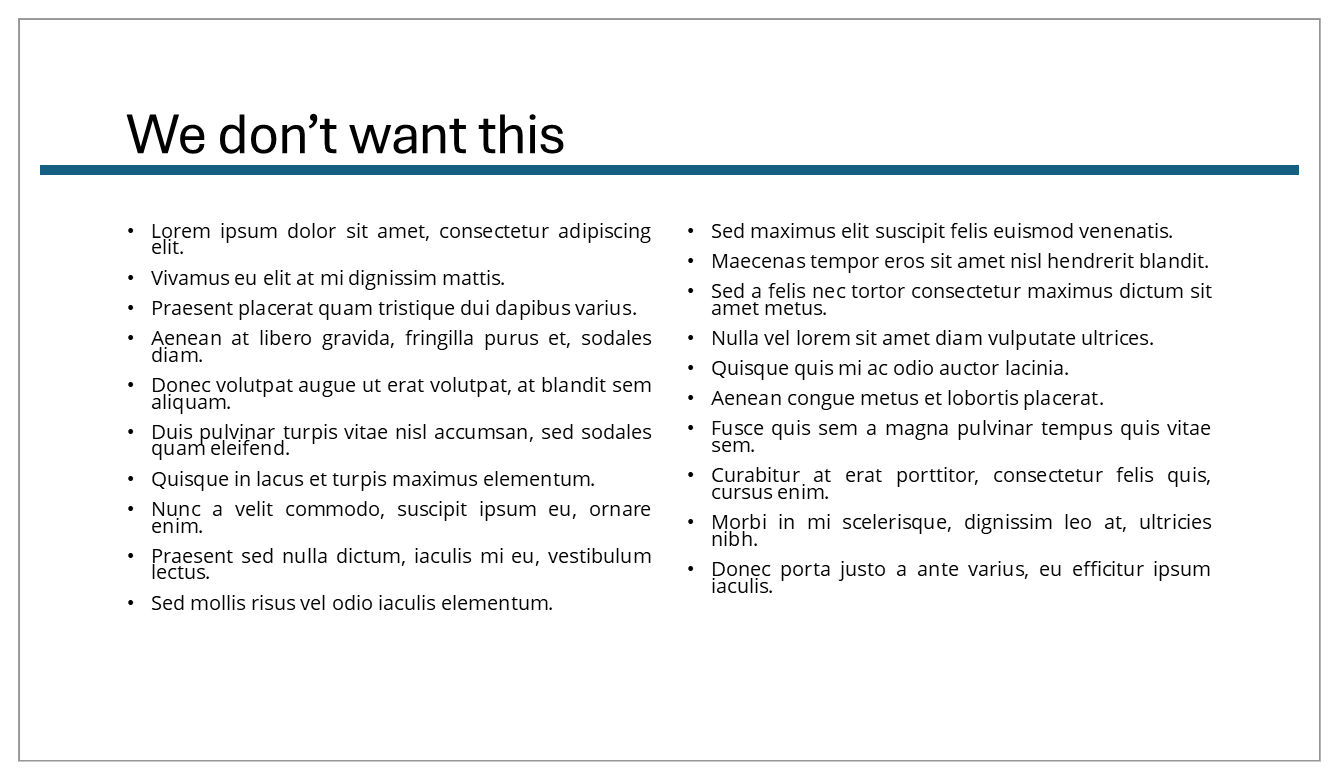
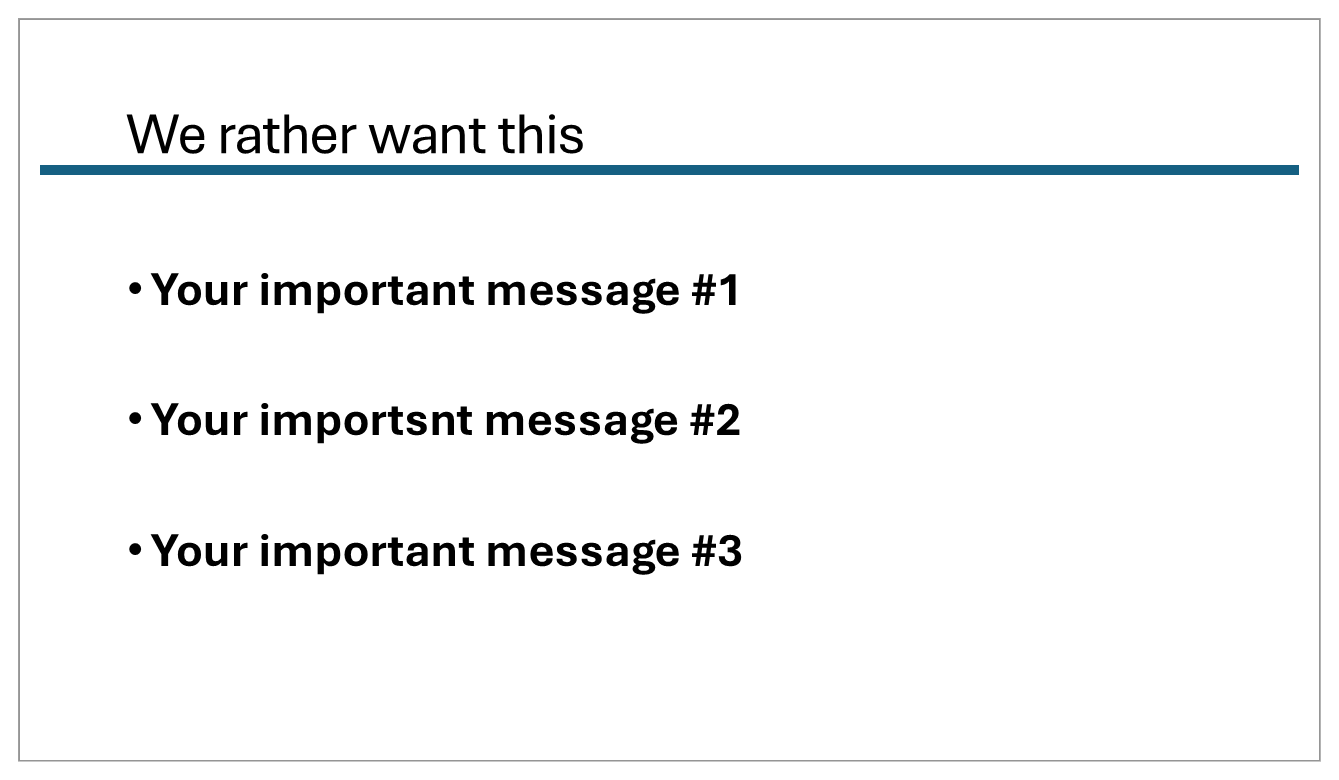
One slide – one topic. Yes, you have seen them for sure – one slide split into 6 boxes each telling a different part of the story. While this may be interesting to READ while you sit in the office, it is not good for the attention of the audience. They don’t know which part they should focus on, are confused and start reading all the details. Or losing attention. You can have these six boxes separated on six slides. Yes, the presentation will get longer, but weren’t 6-boxes cheating anyway?
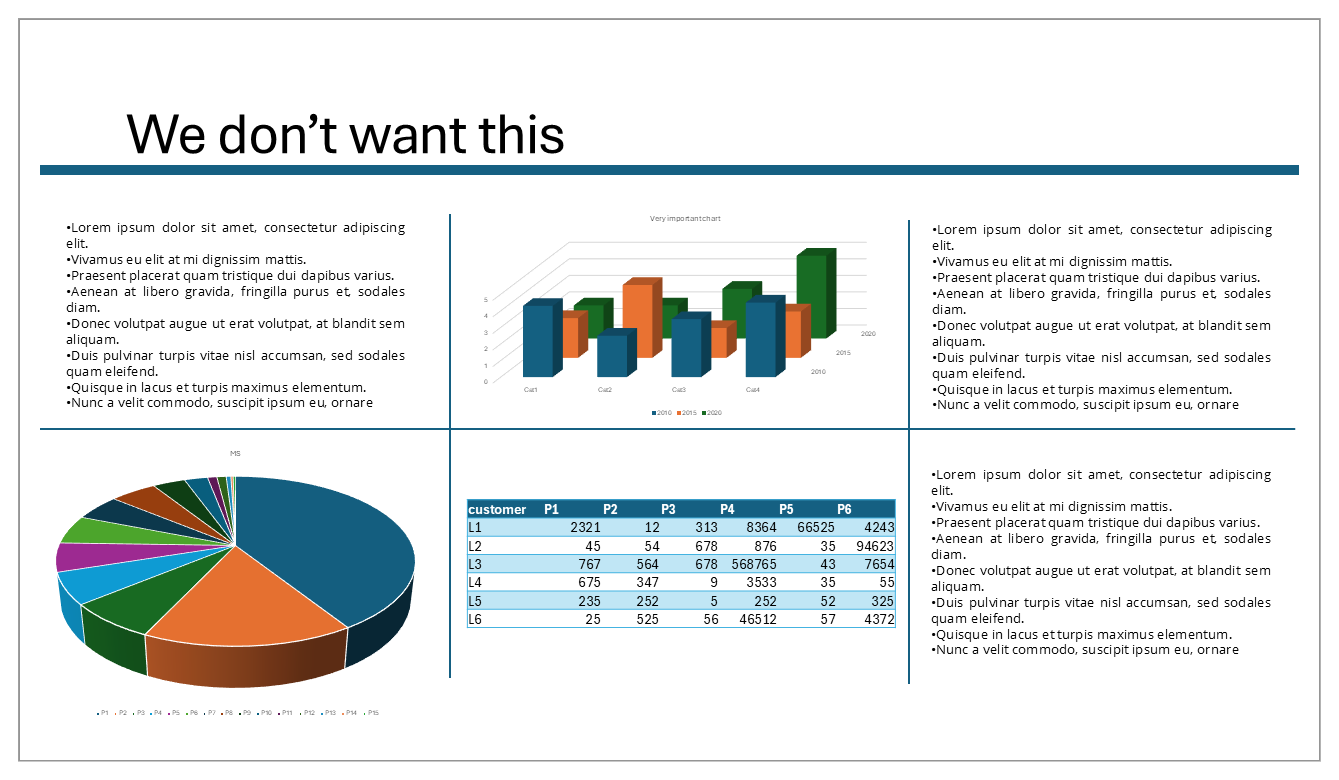
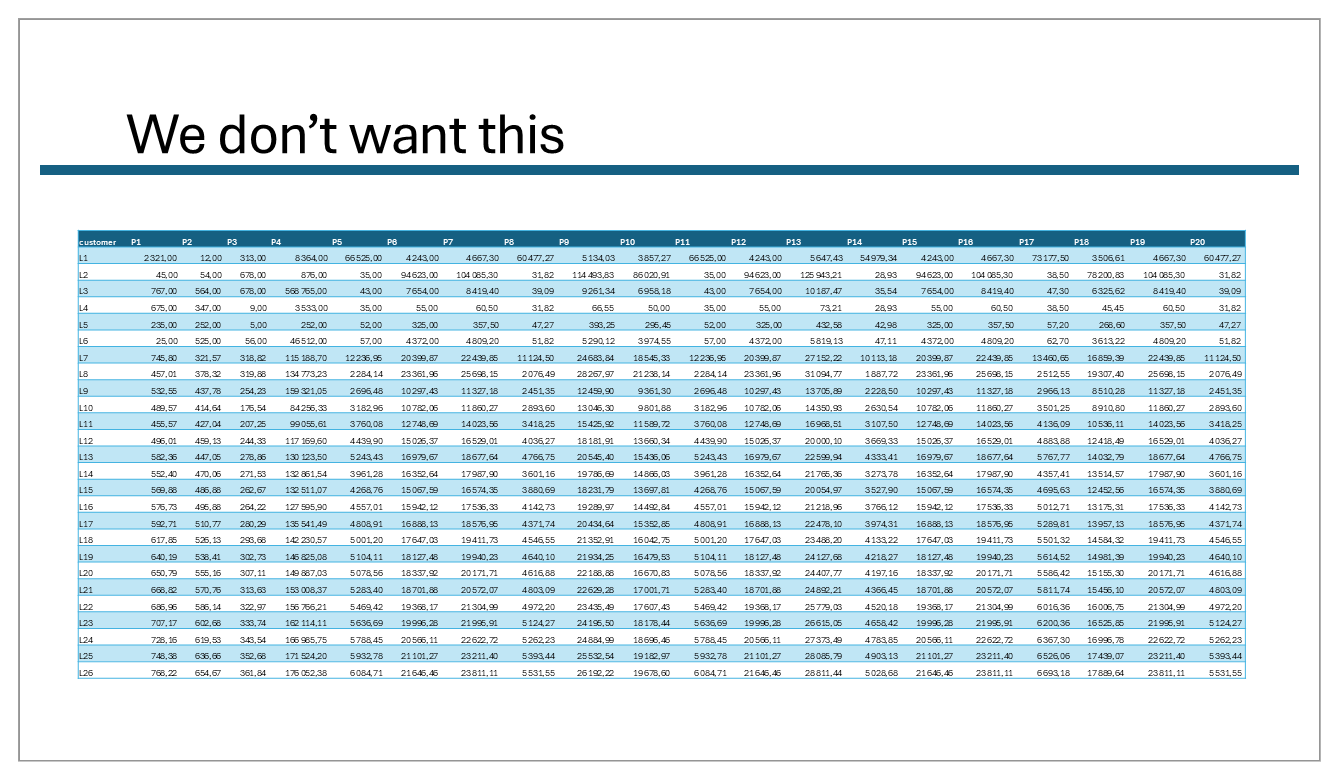
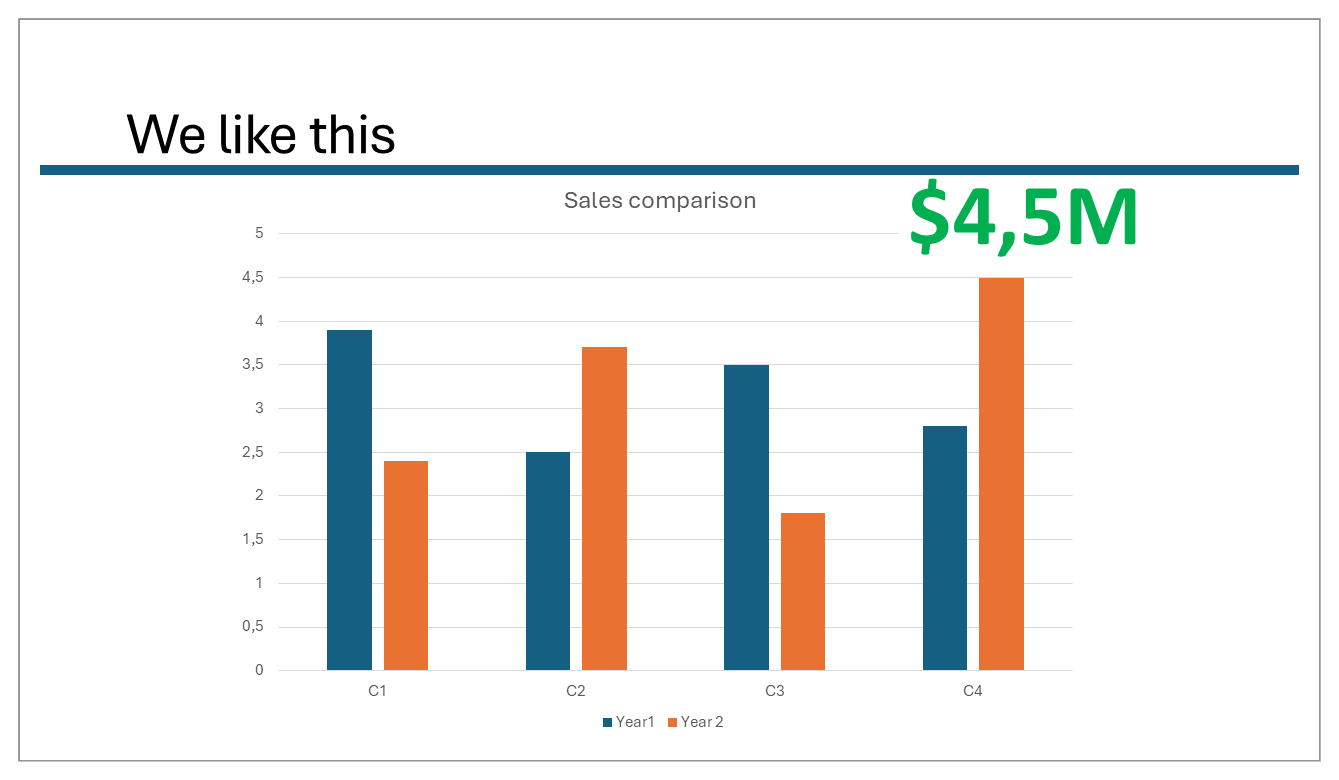
Simple charts or tables. Sometimes you need to show a chart or table. Unless you are a physics professor explaining an interesting phenomenon, don’t get too complicated. Charts are very nice when they support your message and strengthen your story. Who is really interested in sales development over the last 10 years in your annual sales pitch? Build your chart in the way that they will emphasis your most important points, but make it clearly visible: support a trend with an arrow, combine all 77 competitors that make all together 45% of the share in one block, use big and visible bars etc. And tables? Avoid any big tables – no one will read them through from your slide.
Too fancy slides. Don’t overuse – too many colors, too many animations, too many fonts – this is all distraction. People are tempted with all the features the software gives you today but staying simple will help the people to keep the attention on your story rather than on the form itself.
Avoid links or videos. Out of my own experience – something always will go wrong – not enough bandwidth, video not starting, computer stuck – you name it. I have witnessed enough disaster at big meetings and presentations done by quite important people to risk it myself. And if your business or your story requires it – at least triple check before you go live.
Takeaway: Simple is better – less text, simple charts, big and clear numbers, no tables. I always wondered why I should know that a business made $7 843 542.25 revenue. Why not say $8M or $7.8M? Easy to remember and impress.
Rehearsal
I know this is not the most liked part of the process, but you have to do it anyway. Especially if you re-use parts of your presentations created by your co-workers or somebody else. How often, especially in big companies, do we have Marketing or Product Management preparing sets of slides to be used by the sales teams or management? And while presenting your story to the customers or investors you want to appear authentic on one side but also professional and knowledgeable on the other. This means that you MUST know your story, the content of your slides, the anticipated questions in all details. While you present – by no means you can turn your back to the audience and read the points from the screen behind you. Yes, on bigger events you may have a helping screen in front of you but use it wisely – as a sort of reminder and guide through your story and not as a notepad to read from. Don’t use prompters, unless you are a lousy politician. There is nothing wrong to use some kind of notes while presenting and reaching out to them in specific cases – when you want to cite a thought or give a quite a unique number or name that you need to tell exactly, and it is not easy to remember. But let it be rather exceptions than rules. The screen behind you is just a tool for your audience to support your message, so you may talk for 60 minutes without even looking at it one time. It is you and your story who are making the show. An important part of the rehearsal is checking the technics and the slides themselves – does everything work right and are the slides showing as you want them? Does the sound work and videos load (remember what I told you before on avoiding them? Here is last moment if you still want to keep them)? Are the colors right and fonts big enough to be seen from the last row? Believe me, I have seen enough slides with text so small that in fact nobody could read it besides the first row. Especially in big tables (that you don’t want to have anyway) or charts (which you want to have very simple). If possible, have a colleague to do the rehearsal with you sitting in the back of the hall and telling you his honest opinion.
Takeaway: Be 100% sure you know your story and you are comfortable in telling it. The best is if you have done everything yourself – both the story and the supporting material (slides and/or notes).
Big day
Now you have everything – you have researched your audience; you know to whom and how will you present; your story is ready with the balanced level of business facts, humor, attention-catchers and relatable data; your supporting materials like slides are ready and triple checked if they show up as planned. Check your dress, check the stage, take all you need with you. People tend to forget in the last moment of a clicker to change the slides, or a sample they wanted to show. And you may want to have special gadgets as well – once in a big venue in Orlando at a Disney hotel I used a Magic Wand on the stage to support our business story, which we presented together with my boss at that time.
The last thing is to fight your stage fear and go!
Send me some slides on this topic.
You might have already forgotten the first paragraph of this story. So here it comes: why I don’t like this phrase? In my eyes presentation is a mix of the story you are telling, the facts that you present and the presenter himself. All three together, not separate. I today’s business world there is so much pressure on facts and figures that people, bosses, managers don’t have time for a good story. They ask you to “send some slides” to make a pre-read. But these can’t be the same slides you want to present. If you got my message right – normally there not that much text on my slides, so WITHOUT me presenting them – they are useless. And they should be. And a slide deck with all the information on it is useless for presenting it. How to combine both? There are few solutions, other than educating your boss that he/she is stupid while asking for it:
- Add good and detailed notes to each of the slides. This is a very good option, as you can use them both for yourself preparing as well as speaker’s notes for the people who would be present at your show for later usage. Or for the ones who missed it.
- Create two versions of your deck – nice but a lot of work
- Use other tools for writing down the pre-reads: Microsoft Word or Google Docs could be the easiest choice. Then your slides are for presentation and your 15-page long business case is the document to be read.
Educating the business community is not an easy task but it starts with somebody – this could be you.
If you want to read more about building a good story or about boredom, check these links I came across quite recently. This is just a droplet in the ocean of knowledge but nice to start to.
https://www.youngmoney.co/p/tell-good-stories
https://hbr.org/2012/10/structure-your-presentation-li
https://www.nationalgeographic.com/science/article/creativity-mental-benefits-boredom
https://www.bbc.com/culture/article/20200522-how-boredom-can-spark-creativity